How to Geotag Photos for Real Estate Site Visits in India (2026)
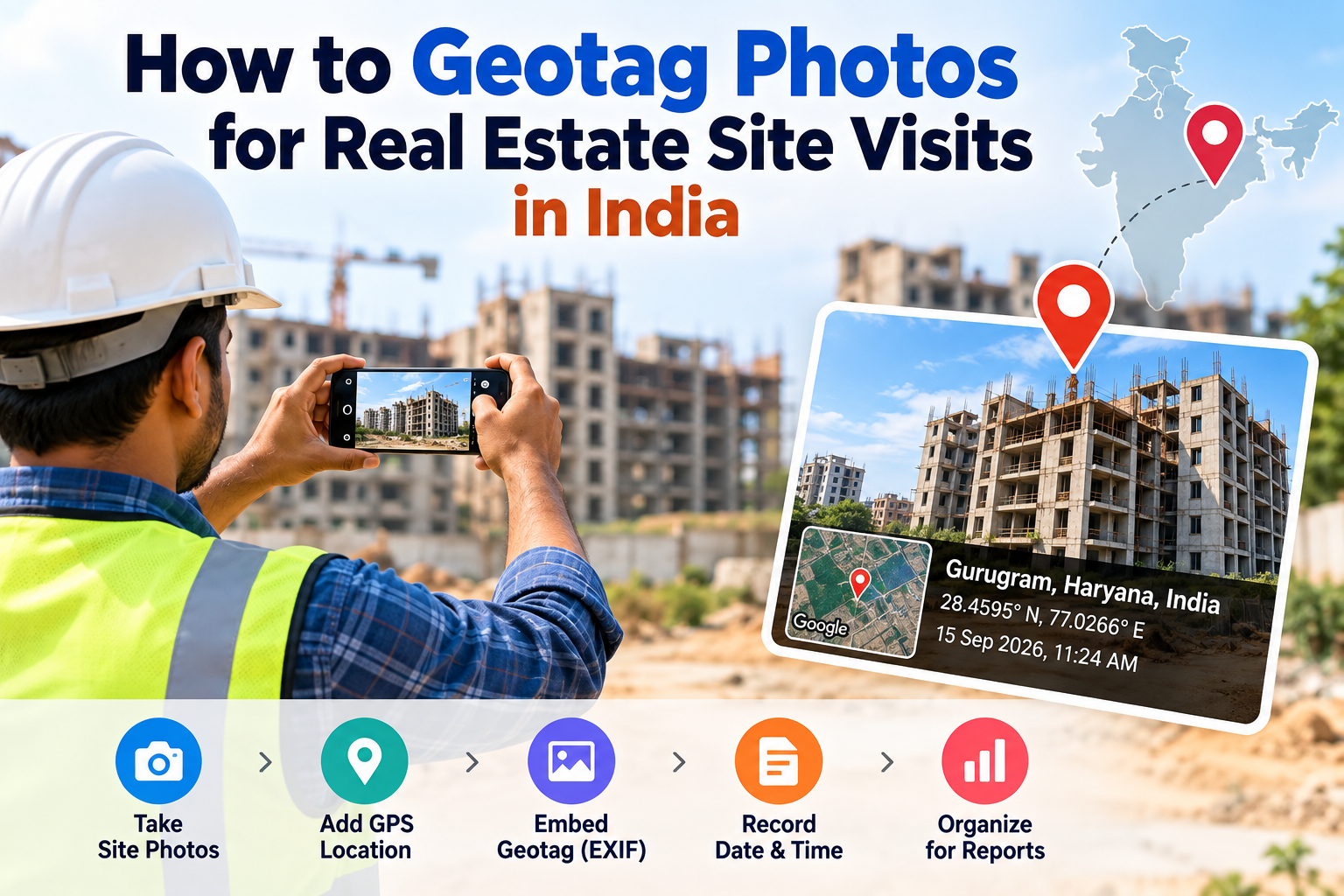
Real estate agents and property developers in India increasingly use geotagged photos for site visit reports, property listings, and client presentations. This guide explains how to geotag any property photo for free — in under 2 minutes, no app required.
In India's competitive real estate market, geotagged photographs are becoming a professional standard for site visits, property documentation, and client presentations. Whether you are an agent presenting a property to a remote buyer, a developer documenting project progress for investors, or a bank valuer providing due diligence reports — geotagged photos add a layer of credibility and verifiability that undated, unlabelled photographs simply cannot provide.
This guide covers why real estate professionals in India are adopting photo geotagging, the use cases where it matters most, and exactly how to geotag any property photograph in under 2 minutes — free, without installing any app.
Why Real Estate Professionals Are Geotagging Site Photos
Client trust and transparency: When a buyer cannot visit a property in person — particularly NRI buyers or investors in different cities — geotagged photographs confirm the photo was genuinely taken at the stated property address. It is a simple, verifiable proof that your agent actually visited the site.
Property documentation for loans: Banks and housing finance companies conducting property valuations increasingly accept geotagged photographs as part of technical reports. GPS-tagged photos confirm the valuer physically visited the property location.
Developer progress reports: Real estate developers submit geotagged construction progress photos to investors, NRI buyers, and RERA-compliant documentation. GPS metadata confirms photos are from the actual project site.
RERA compliance: While RERA does not currently mandate geotagged photos universally, project updates and progress reports submitted through RERA portals benefit from geotagged photos as evidence of authentic site documentation.
Google My Business for real estate agencies: Agencies with Google Business Profile listings benefit from uploading geotagged photos of their office, project sites, and featured properties. Geotagged photos strengthen local SEO for searches like "real estate agent near me."
Use Cases for Geotagged Photos in Indian Real Estate
Residential Property Listings
Agents listing properties on portals like MagicBricks, 99acres, and Housing.com can use geotagged photos to offer buyers an additional layer of confidence. When the photo's GPS coordinates match the property address, buyers have independent verification that the photos are from the actual property — not stock images or photos from a different site.
NRI Property Sales
NRI buyers purchasing property remotely in India increasingly request geotagged photos and videos as proof of property condition and location. An agent who provides geotagged documentation stands out from those who provide only photos or videos without any location verification.
Bank and HFC Property Valuations
Banks and housing finance companies require technical reports from empanelled valuers before disbursing home loans. Including geotagged photographs in valuation reports confirms the valuer visited the property site, reducing questions about document authenticity.
Builder and Developer Progress Reports
Developers of residential projects submit quarterly or milestone-based progress reports to investors, RERA, and buyers. Geotagged photographs at each stage of construction — foundation, floors, finishing — document authentic site progress with GPS verification.
Land Dispute Documentation
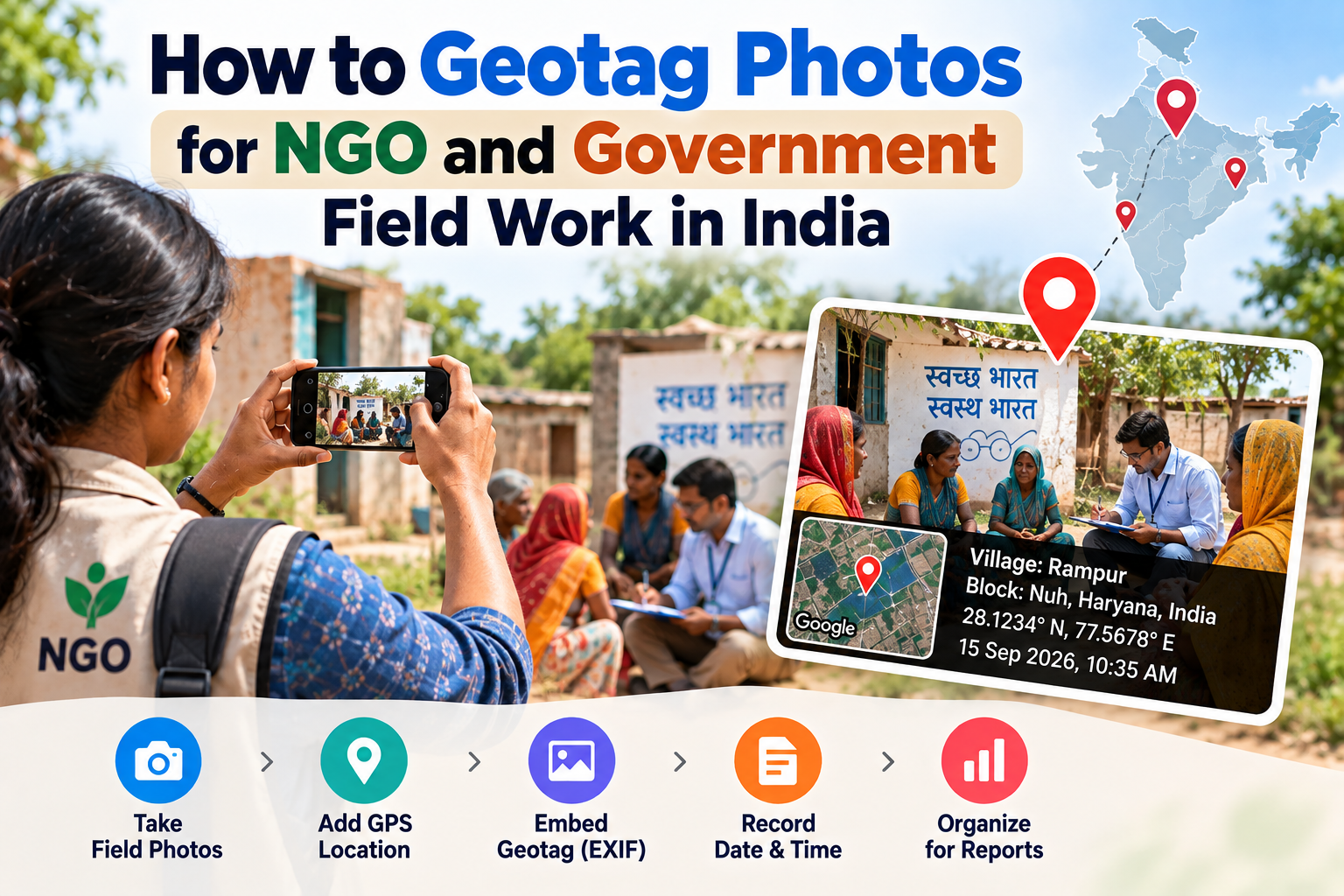
In rural and semi-urban areas, geotagged photographs of land parcels, boundary walls, and adjacent features serve as legal documentation in property disputes. GPS coordinates in the photo file provide independent verification of where the photo was taken.
Step-by-Step: How to Geotag a Property Site Visit Photo
Step 1 — Get the property's GPS coordinates
At the property (most accurate): Open Google Maps on your phone. Long-press the property's exact location on the map. The latitude and longitude appear at the top of the screen. Note these down.
Alternatively: Search the property address in Google Maps. Right-click (desktop) or long-press (mobile) the location to get coordinates.
For land parcels without a clear Google Maps address:
Open Google Maps and navigate to the location visually
Zoom in to the exact plot
Long-press to get coordinates
Step 2 — Open EDVIDA Geotag Tool
Go to edvida.in/image-geo-tagging. No login or signup needed. Works on all browsers including Chrome and Safari on mobile.
Step 3 — Upload the property photo
Click Upload Image. Supports JPG, PNG, HEIC (iPhone), and WEBP.
Step 4 — Set the property location
Click the property location on the interactive map, or enter the coordinates from Step 1 directly. The map pin will move to the exact property location.
Step 5 — Set the visit date and time
Update the Date For Image to when the site visit photograph was taken.
Step 6 — Download the geotagged photo
Click Add GPS Location to Photo Now. Download the geotagged photo.
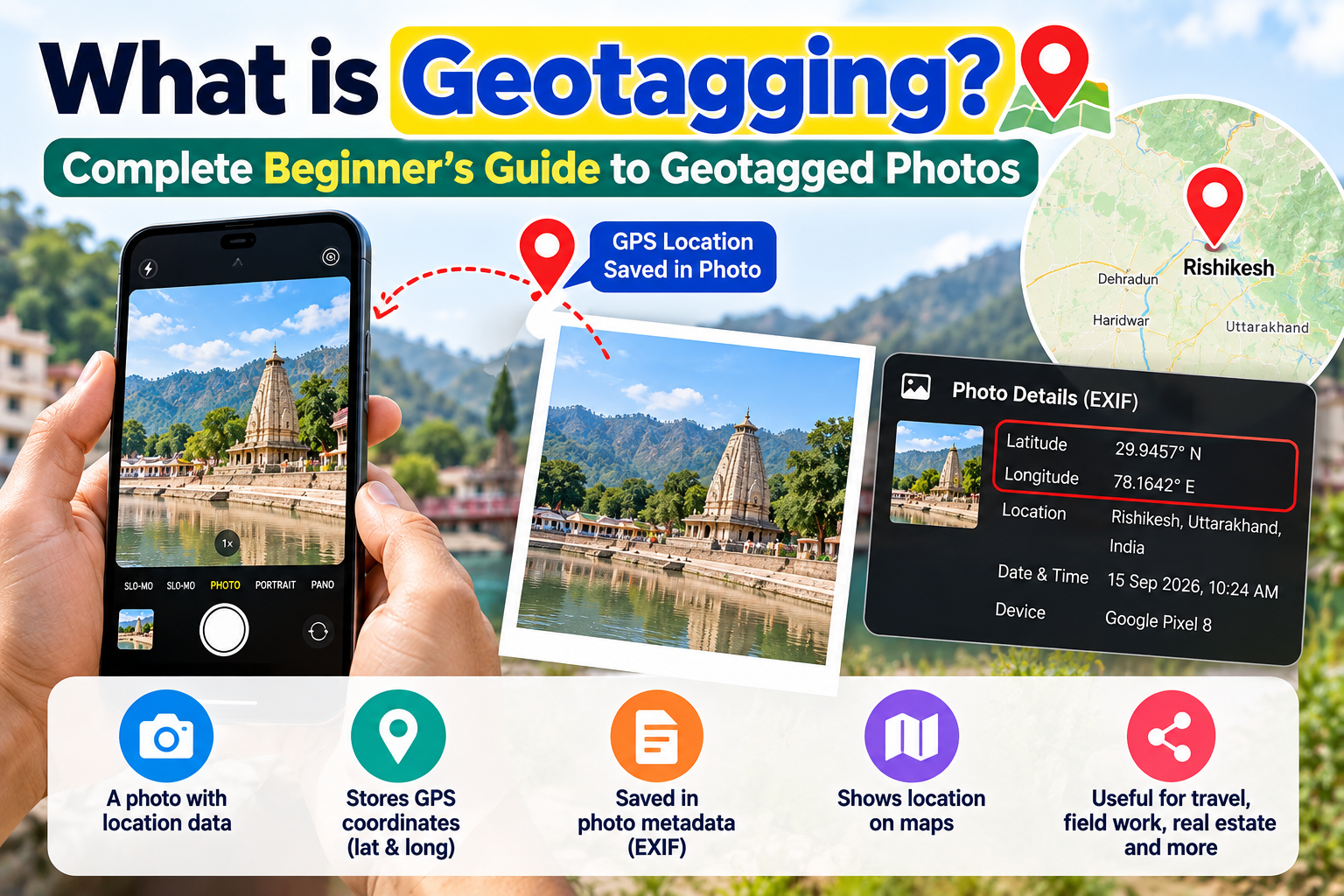
Your property photograph now has GPS coordinates embedded in its EXIF metadata — independently verifiable by any party.
How to Present Geotagged Photos to Clients
In email or WhatsApp: Send the geotagged photo file directly. Clients who know how to check EXIF data can verify the coordinates. Even if they do not check, the professional approach builds trust.
In property reports: Include a note in your report: "All photographs are GPS-tagged with the property's coordinates. EXIF data verified on [date]." This signals professionalism and transparency.
Screenshot the EXIF data: Take a screenshot of the GPS data in the photo's properties (right-click → Properties → Details on Windows) and include it alongside the photo in presentations. This makes the GPS data visible to clients who would not know how to check it themselves.
Google Maps verification link: Open Google Maps, navigate to the property coordinates, and include the Google Maps URL in your report. Clients can open the link and see that the map location matches your site visit photos.
For Developers: Geotagging Project Progress Photos
Real estate developers with multiple ongoing projects can systematically geotag all project photographs using the following workflow:
Designate one coordinator per project for photo documentation
At each milestone (foundation, slab, finishing, handover), take 5–10 photos at the site
Use EDVIDA to geotag each milestone batch with the project's GPS coordinates
Name files systematically:
ProjectName_Stage_Date_001.jpgArchive in a shared folder accessible to investors and RERA compliance teams
Include geotagged photo sets in all investor update reports
This creates a GPS-verified photographic timeline of the entire project — a significant differentiator when marketing to investors and NRI buyers.
Frequently Asked Questions
Is geotagging required by RERA? RERA currently does not universally mandate geotagged photos, but many state RERA portals accept and recommend them in project update documentation. The requirement varies by state.
Can I geotag photos taken with a professional camera (DSLR)? Yes. DSLRs do not have GPS built in. Transfer the photo to your computer or phone and use EDVIDA to add the property's GPS coordinates. The process is identical to geotagging phone photos.
Will clients be able to verify the GPS coordinates? Any technically literate client can verify GPS data by right-clicking the photo (Windows) → Properties → Details → GPS section, or using online tools like exifdata.com. Include instructions in your report for clients who want to verify.
Does geotagging help with my agency's Google Maps ranking? Uploading geotagged photos to your Google Business Profile can strengthen your local SEO signals. Use your agency office's GPS coordinates for office photos, and property-specific coordinates for property photos if uploading to property-specific GMB listings.
Can I geotag videos of site visits? EDVIDA's current tool handles images only. For video geotagging, GPS camera apps like Open Camera (Android) automatically embed GPS in video recordings.
Geotagged site photos are fast becoming the expected standard of professionalism for real estate agents, developers, and valuers in India. The technology is free, takes under 2 minutes per photo, and meaningfully differentiates your documentation from competitors who are still submitting unmarked photos.

Deepak Garg
Enthusiast