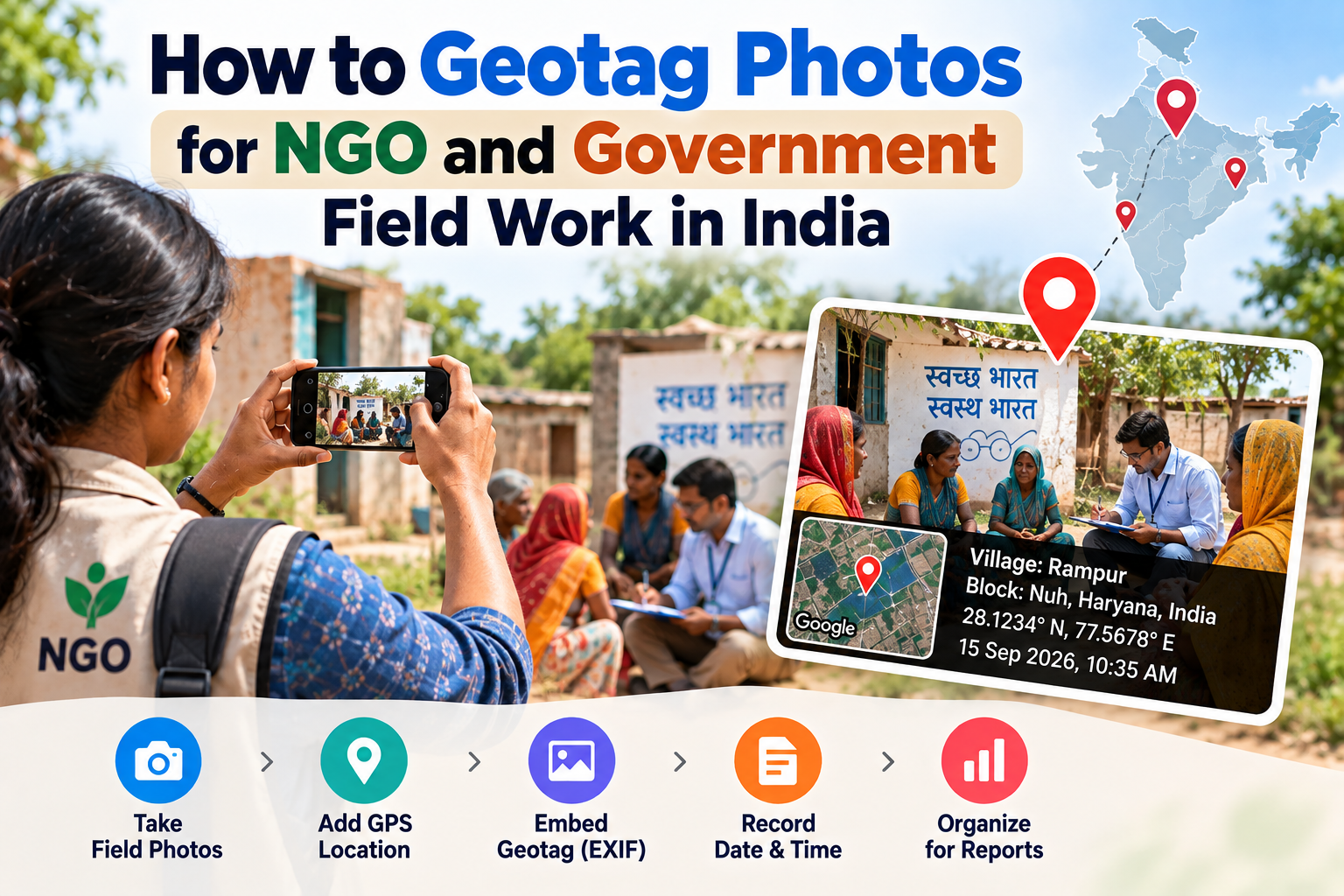
How to Geotag Photos for NGO & Government Field Work in India (2026)
Millions of government field workers and NGO staff in India are required to submit geotagged photos for schemes like PM Awas Yojana, MNREGA, and Jal Jeevan Mission. This guide explains the requirement and shows you how to geotag any field work photo for free — no app needed.
If you work in government field implementation, social welfare, or with an NGO in India, geotagged photographs are no longer optional — they are mandatory for most major central government schemes. Submitting photos without GPS data means your work may not be counted, beneficiary payments may be held, and scheme compliance reports will be flagged.
This guide explains which schemes require geotagged photos, why GPS data is needed, and how any field worker can geotag photos without a smartphone GPS app — using a free browser-based tool that works on any phone or computer.
Why the Government Requires Geotagged Photos
India's central and state governments implemented mandatory photo geotagging across welfare schemes to solve a long-standing problem: fraudulent documentation. Before GPS photo requirements, implementing agencies sometimes submitted recycled photographs or photos taken elsewhere as proof of work done. Geotagging makes this impossible — the GPS coordinates must match the registered site or beneficiary location.
Geotagging requirements serve three purposes:
Anti-fraud: The GPS coordinates embedded in a photo can be verified against the registered work site. A photo taken elsewhere is immediately flagged.
Fund release verification: Geotagged photos are now the primary trigger for fund disbursement in schemes like PM Awas Yojana. Without them, the next tranche does not release.
Real-time monitoring: Government monitoring dashboards can plot geotagged photos on a map, giving officials a real-time view of where work is happening and where it is not.
Major Government Schemes That Require Geotagged Photos
PM Awas Yojana – Urban and Rural (PMAY)
PM Awas Yojana requires geotagged photographs at every stage of housing construction for both urban (PMAY-U) and rural (PMAY-G) components:
Foundation stage — photo taken at the site after foundation is laid
Lintel level — photo after walls reach lintel height
Roof slab — photo after roof slab is poured
Completion — final photo of the completed house
Each photo must have GPS coordinates matching the approved beneficiary's plot location. Without geotagged photos at each stage, the next instalment of funds is not released to the beneficiary.
Upload portal: awassoft.nic.in (rural) and pmaymis.gov.in (urban)
MNREGA — Mahatma Gandhi National Rural Employment Guarantee Act
MNREGA now requires geotagged photographs documenting:
Work site location
Worker attendance at the site (in some states, geotagged photos of workers at site)
Progress of approved work (well, road, pond, etc.)
These photos are uploaded through the NREGASoft portal and the MNREGA mobile app.
Jal Jeevan Mission
The Jal Jeevan Mission (Har Ghar Jal) requires geotagged photographs documenting:
Pipeline installation progress
Tap connection at beneficiary households
Functional Household Tap Connection (FHTC) verification
Photos are submitted through the Jal Jeevan Mission monitoring portal.
PM KISAN — Pradhan Mantri Kisan Samman Nidhi
While PM KISAN does not typically require geotagged photos from farmers, field verification officers (Patwaris and revenue officials) are increasingly required to submit geotagged photos confirming beneficiary eligibility during verification visits.
National Health Mission (NHM)
ASHA workers and ANMs in some states are required to submit geotagged photographs of beneficiaries at home visits, immunisation camps, and nutrition sessions.
Smart Cities Mission and AMRUT
Urban local bodies implementing Smart Cities and AMRUT projects submit geotagged progress photographs at each milestone for release of central assistance.
How Field Workers Are Currently Managing Geotagging
Field workers use three main approaches:
Government scheme apps: Several schemes have their own mobile apps (NREGASoft, PMAY app, Jal Jeevan Mission app) that allow workers to take photos directly through the app, automatically capturing GPS at the time of the photo. This is the preferred method when you are at the site.
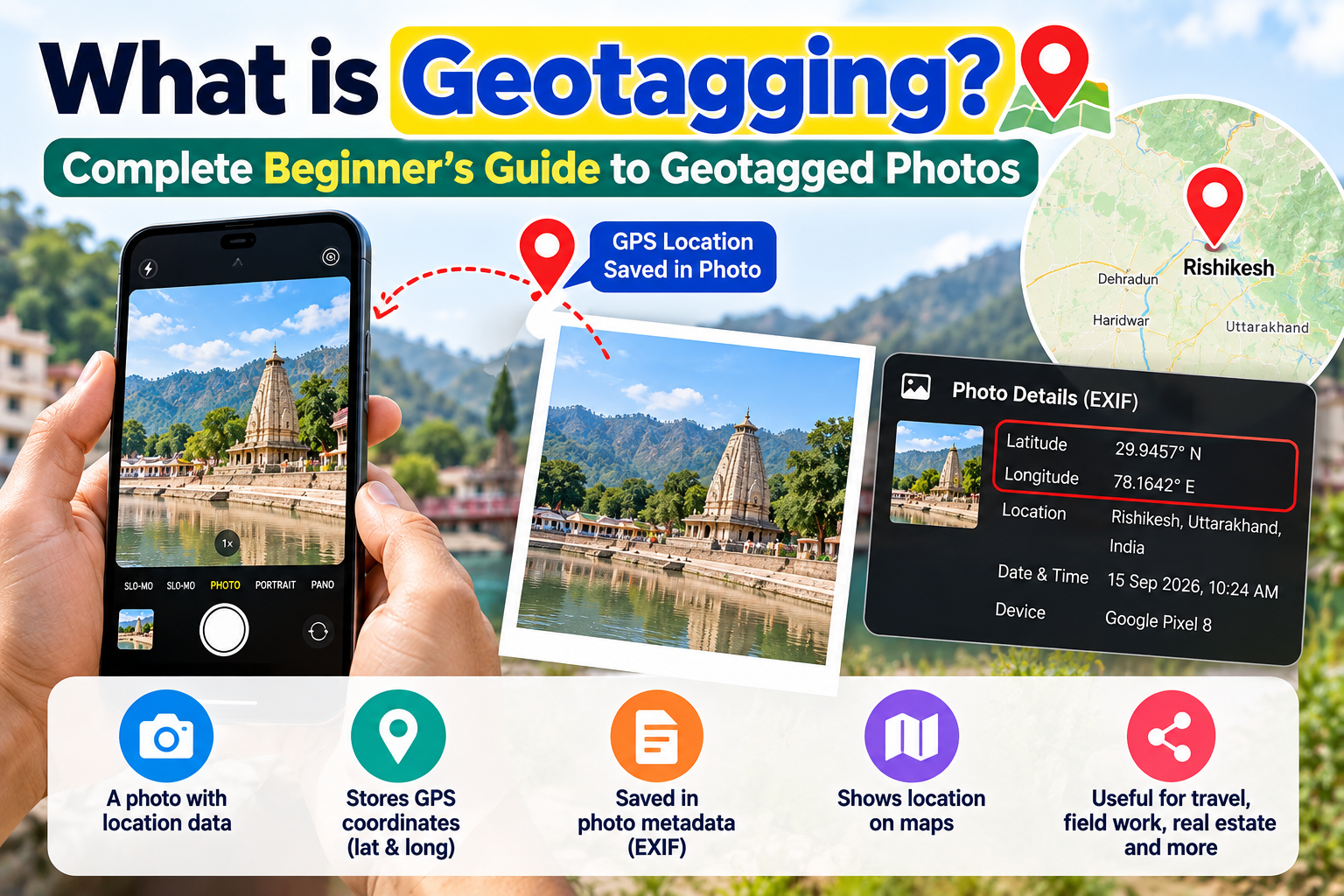
Smartphone camera with Location Services: Taking photos with Location Services enabled automatically embeds GPS coordinates in the EXIF metadata. This works but requires workers to remember to keep Location Services on at all times.
Post-processing: When photos are taken without GPS — due to Location Services being off, using a borrowed phone, using a basic phone without GPS, or photos taken by a third party — a browser-based geotagging tool allows field workers to add the correct GPS coordinates to existing photos.
Step-by-Step: How to Geotag a Field Work Photo
Use this method when you already have a photo and need to add GPS coordinates.
Step 1 — Identify the GPS coordinates of the work site
Method A — At the site (most accurate): Open Google Maps on your phone while you are physically at the site. Long-press your exact location. The coordinates appear at the top of the screen. Write them down.
Method B — Search the village or address: Open Google Maps and search for the village name, district, or block name. Zoom into the specific location and long-press to get coordinates.
Method C — From project documents: Many scheme documents include the GPS coordinates of registered sites (e.g., PM Awas beneficiary plot coordinates from land records). Use these directly.
Step 2 — Open the Geotag Tool
Go to edvida.in/image-geo-tagging in any browser on your phone or computer. No login required.
Step 3 — Upload your field photo
Click Upload Image and select the field work photograph.
Step 4 — Enter the work site coordinates
Click the location on the map or enter the latitude and longitude directly. Verify the pin is at the correct location.
Step 5 — Set the correct date
Update the Date For Image to the date the photo was actually taken.
Step 6 — Download and submit
Click Add GPS Location to Photo Now and download the geotagged photo. Upload it to the relevant scheme portal.
Best Practices for Field Documentation
Take photos at the site, not before or after. GPS coordinates should match the actual work site. Taking photos at the office or from a vehicle nearby may result in coordinates that do not match the registered site.
Keep original photos. Always save the original photo before geotagging. If coordinates need correction, you will need the original file.
Verify coordinates before uploading. Government portals cross-check GPS coordinates against registered site databases. A small error in coordinates can cause rejection.
Document the photo metadata. Maintain a log of photo filename, site name, date, GPS coordinates, and scheme ID for each submission. This protects you during audits.
Frequently Asked Questions
Can I use a basic 2G phone for geotagging? Basic phones without internet browsers cannot run the EDVIDA tool. However, any smartphone with a browser — even an entry-level Android — will work. You can also use a computer or tablet at your office.
What if the site does not have GPS signal? If you are in a remote area without GPS signal at the time of the photo, note the location on Google Maps when you return to an area with signal, find the coordinates manually on the map, and use the EDVIDA tool to add them to the photo.
Can I geotag photos for multiple beneficiaries at once? Currently, geotagging needs to be done individually for each photo with its specific site coordinates. Bulk geotagging with different coordinates per photo requires desktop tools like ExifTool.
The scheme portal is rejecting my geotagged photos. What should I do? Check that: (1) the file format is JPG, (2) the file size is under the portal's limit (usually 2 MB), and (3) the GPS coordinates match the registered site. Contact the scheme's technical helpline if problems persist.
Can I use any free browser to access the geotag tool? Yes. Chrome, Safari, Firefox, and Edge all work. The tool runs entirely in the browser — no installation, no plugins.
Geotagged photo documentation is now central to how India's government schemes track implementation, verify beneficiary eligibility, and release funds. For field workers and NGO staff, getting this right the first time saves time, prevents payment delays, and protects you during compliance audits.

Deepak Garg
Enthusiast